

Updated Oct/2026
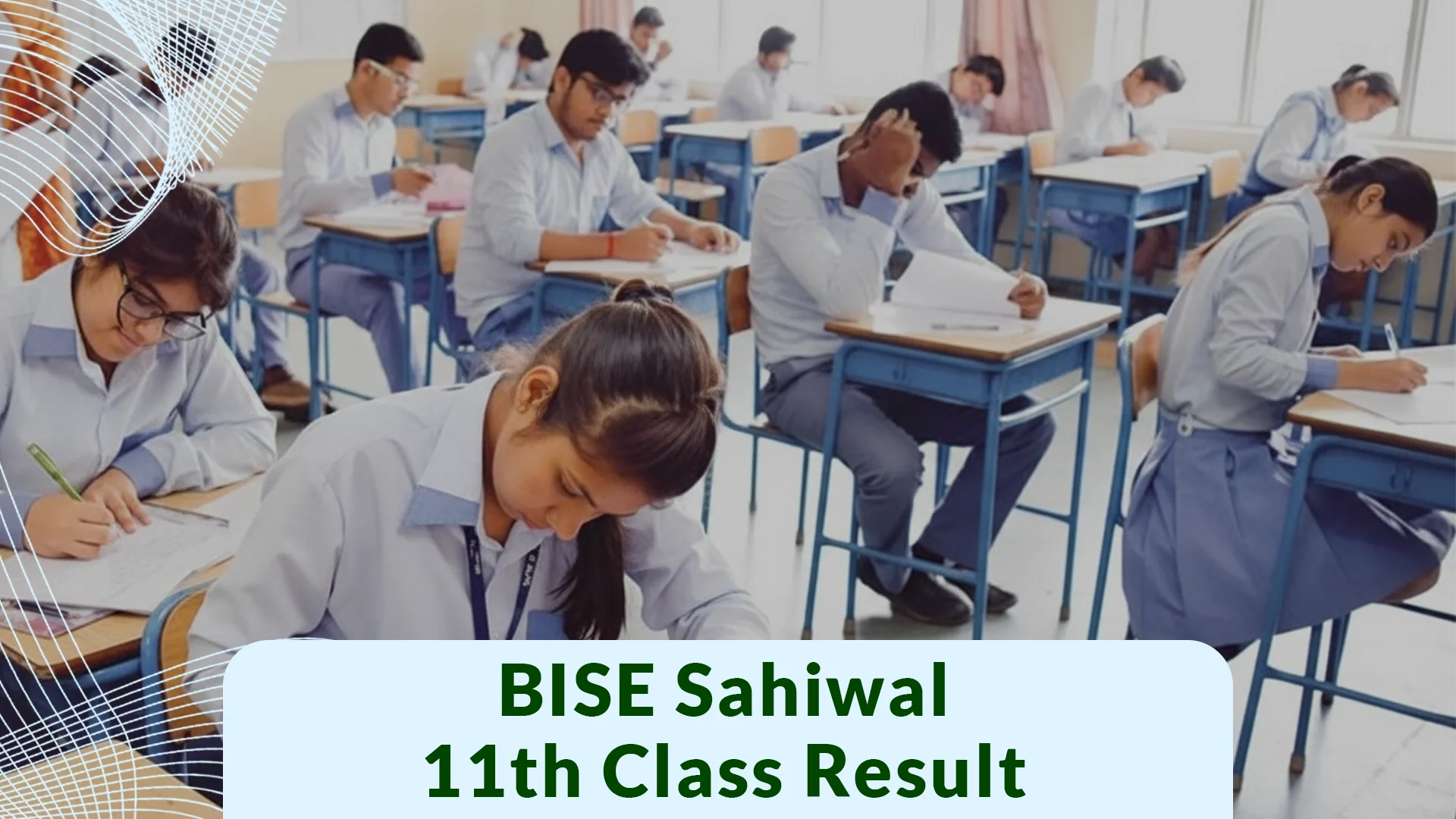
The Board of Intermediate and Secondary Education has officially announced the BISE Sahiwal 11th Class Result 2026 on October 22, 2026 Thursday. Thousands of students who appeared for the HSSC Part 1 annual examinations are awaiting their results.
This comprehensive guide provides information on the official result date and announcement time, as well as step by step methods to check first year marks using Roll Numbers, Names, SMS, or the official board gazette.
Key Information
| Information | Details |
| Educational Board | BISE Sahiwal Board |
| Class / Exam | 11th Class / HSSC Part 1 |
| Status | Announced |
| Official Result Date | October 22, 2026 |
| Time | 10:00 AM |
| SMS Code for Result | Send Roll No to 800292 |
| Official Website | bisesahiwal.edu.pk |
Official Date & Time
The Punjab Boards Committee of Chairmen (PBCC) and BISE Sahiwal have scheduled the announcement of the 1st Year Result 2026 for October 22, 2026, at 10:00 AM. All streams, including FA, FSc Pre Medical, FSc Pre-Engineering, ICS, and I.Com, has released simultaneously online.
How to Check BISE Sahiwal 11th Class Result
There are four official ways to check your first-year (11th class) result:
Check the result online using your roll number:
Visit the official Sahiwal Board portal at bisesahiwal.edu.pk
Click on the ‘Results‘ or ‘HSSC Part-1 2026‘ tab.
Select the exam type (Annual 2026). Enter your 6-digit roll number.
Click on ‘View Result‘ to see your detailed marksheet.
Check the Result Via SMS (No Internet Required)
If the official website is down or running slowly due to high traffic:
Open the messaging app on your phone.
Type your roll number.
Send it to 800292.
You will soon receive a reply message containing details of your total marks.
Check 1st Year Result by Name
If you misplaced your Roll Number slip, you can check your result through gazette:
Download the official BISE Sahiwal Result Gazette PDF after 10:00 AM.
Open the document and search using CTRL + F (on PC) or the Search icon (on Mobile).
Type your full name and Father’s name to view your marks.
Check via Official Gazette
Educational institutions and students can download the complete Sahiwal Board 11th Class Gazette 2026 PDF directly from the portal.
What to Do After 11th Class Result?
Students should follow the guidelines which are mentioned below:
Marks Verification / Rechecking:
Students dissatisfied with their grades can apply for paper rechecking through the online portal within 15 days of the result announcement.
Preparation of 2nd Year
Marks obtained in HSSC Part 1 form 50% of your total Intermediate score.
Use your result summary to focus on weak subjects during 12th class.
Start Early & Stay Consistent:
Begin covering the 12th class syllabus immediately without waiting for admissions to complete.
Create a balanced study schedule dividing time equally between theory, paper presentation practice, and past paper revisions.
Quick Summary Checklist for Students
| Action Step | Timeframe | Key Focus Area |
| Paper Rechecking | Within 15 Days | Count check & unmarked questions |
| Weak Subject Identification | Immediately | Analyze 11th mark sheet |
| 12th Class Preparation | Day 1 | Focus on syllabus & past papers |
Frequently Asked Questions
Q1: What is the SMS code to check BISE Sahiwal 11th Class Result ?
Ans: Send your roll number to 800292.
Q2: What is the exact date of 1st year result 2026 Sahiwal Board?
Ans: The result has officially announced on October 22, 2026 at 10:00 AM.
Q3: Can I check my 11th Class result by name without a roll number?
Ans: Yes, you can check your result by searching your name in the downloadable official Gazette PDF.
Good Luck Message
Wishing the very best of luck to all students receiving their results today! May your dedication be rewarded with brilliant success. Keep your chin up, stay positive, and remember that your potential is limitless. Praying for your outstanding success!