

If you are looking for a comprehensive, step-by-step Guide to Check Bahawalpur 11th Class Result 2026, you have come to the right place. Students from the districts of Bahawalpur, Bahawalnagar, and Rahim Yar Khan can easily access their HSSC Part 1 marks using their roll number, candidate name, the official gazette, or the mobile SMS code 800298. Make use of this helpful information to check your first-year scorecard either online or offline without facing server delays or technical issues.
To help students avoid network delays, server downtime, and confusion on result day, here is the official guide to check the BISE Bahawalpur 11th class result 2026 along with essential post-result procedures.
Key Overview
| Details | Information |
| Board Name | Board of Intermediate and Secondary Education (BISE) Bahawalpur |
| Class / Exam | 11th Class / HSSC Part 1 |
| Academic Session | Annual Examinations 2026 |
| Announcement Date | 22 October 2026 |
| Official Website Portal | bisebwp.edu.pk |
| SMS Result Code | 800298 |
Official Ways to Guide to Check Bahawalpur 11th Class Result
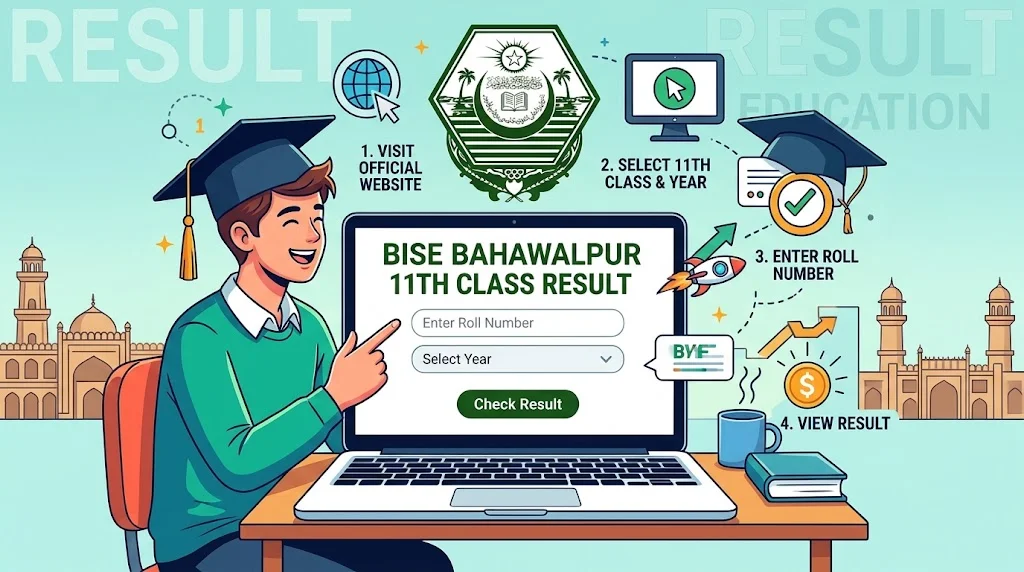
Method 1: Search Online by Roll Number
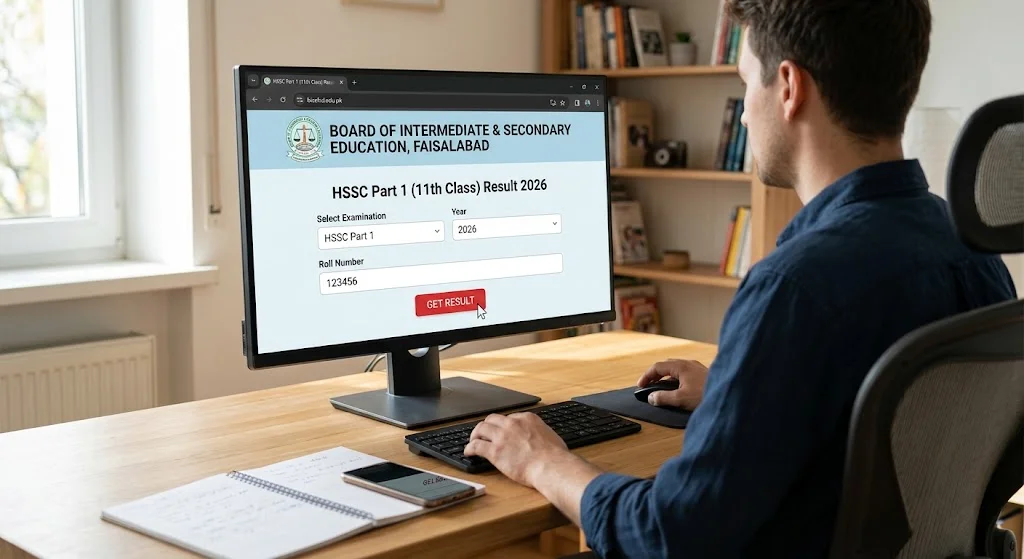
Guide to Check Bahawalpur 11th Class Result 2026 by Roll Number on the official web portal to view a complete subject wise mark distribution and grade breakdown.
- Open your web browser and navigate to the official website: bisebwp.edu.pk.
- Select HSSC Part 1 / 11th Class.
- Choose the exam year as 2026 and set the exam category to Annual.
- Enter your assigned Roll Number in the provided search bar.
- Click the Get Result or Submit button to view your full official scorecard.
Method 2: Check Result by Mobile SMS (Offline Mode)
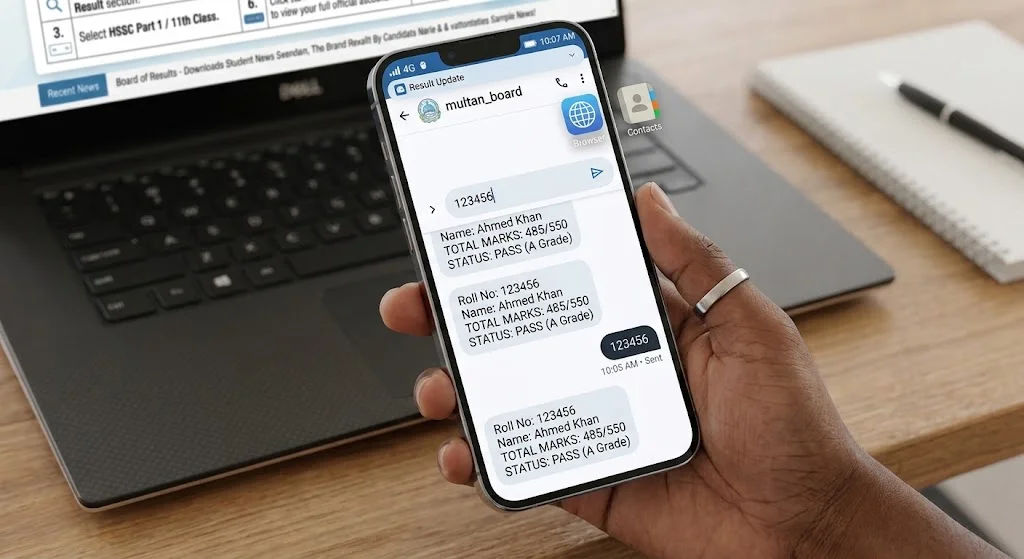
Due to massive web traffic on result day, the official website can experience temporary slowdowns. Checking your result via SMS is the quickest, internet-free solution available on all mobile networks in Pakistan.
- Open the Messaging / SMS app on your mobile phone.
- Type your exact Roll Number in the message composer.
- Send the text message to the official Bahawalpur board SMS code 800298
- Within a few moments, you will receive an automated text reply containing your total marks and passing status.
Method 3: Search Result by Candidate Name
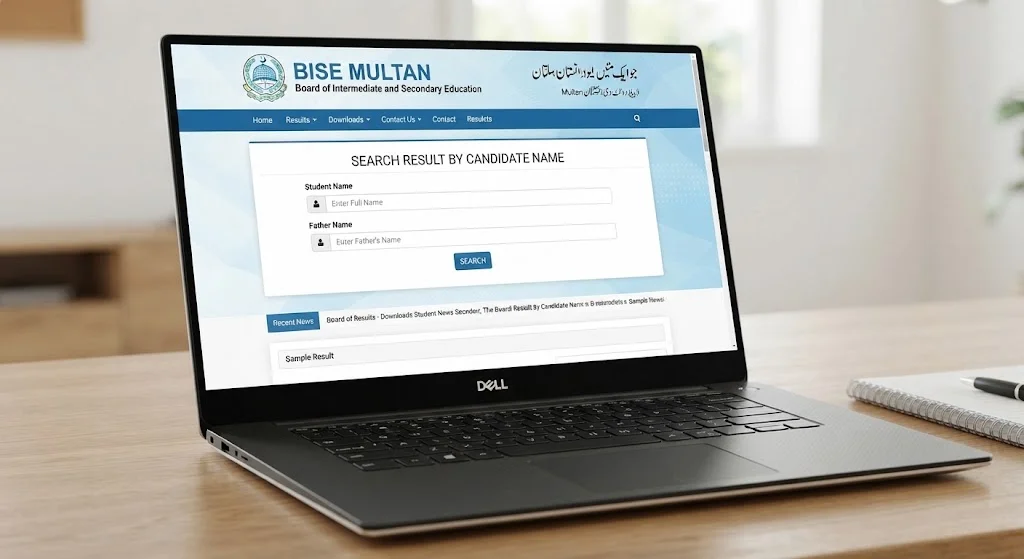
If you have misplaced your original roll number slip or cannot remember your roll number, BISE Bahawalpur offers a name-based lookup feature directly on their portal.
- Visit the official website at bisebwp.edu.pk result
- Enter your Full Candidate Name along with your Father’s Name as stated on your official registration card.
- Click Search to find and open your verified mark sheet.
Method 4: Download Official Gazette PDF
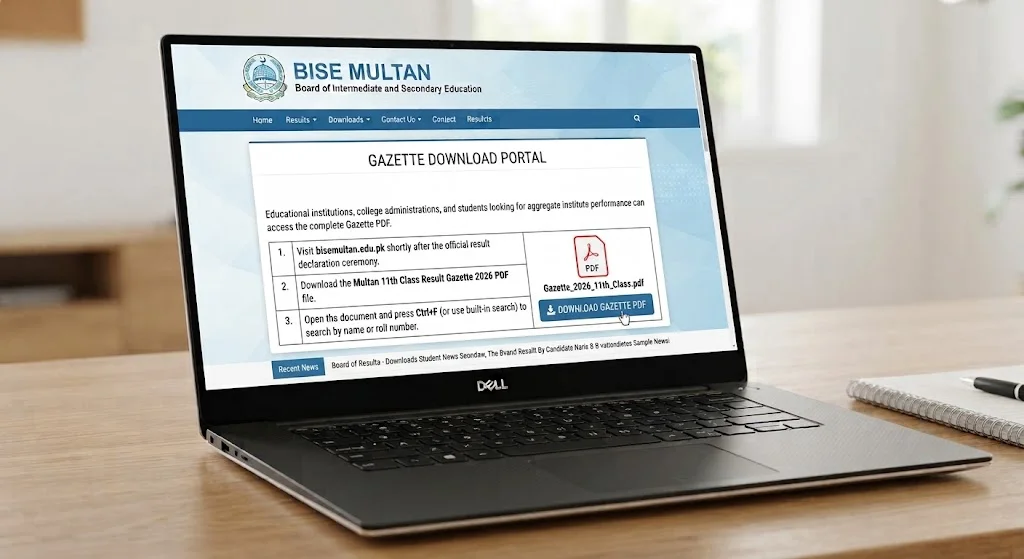
Educational institutions, college administrations, and students looking for aggregate institute performance can access the complete Gazette PDF.
- Visit bisebwp.edu.pk shortly after the official result declaration ceremony.
- Open the document on your computer or mobile device and press Ctrl+F (or use the built-in PDF search tool) to search by college name, student name, or roll number.
Important Post Result Steps for Guide to Check Bahawalpur 11th Class Result
- Save & Print Your Transcript: Always download a digital copy or print out your web-generated result card immediately for future reference and 2nd-year admissions.
- Apply for Paper Rechecking: If you identify any scoring discrepancies or feel your marks do not reflect your performance, you can submit an application for paper rechecking via the BISE Bahawalpur online portal within 15 days of the result declaration.
- Prepare for 2nd Year (HSSC Part 2): Use your subject-wise marks to identify weak areas and focus on improving your aggregate scores in the upcoming 12th class board examinations.
Good Luck Message
Wishing you the absolute best of luck as you step into this exciting new milestone! You have put in the time, dedicated countless hours of hard work, and prepared with unwavering determination. Now, it is time for all that effort to shine through and yield the success you so truly deserve.